 SPYGRAM
Plenty of people search for ways to "view an Instagram profile" without knowing exactly what is public and what is not. The answer is simpler than "detective" sites make it look: Instagram decides what each profile displays, and no outside tool changes that rule. This guide goes through it item by item: what anyone can see, what nobody can see, and why that matters before you trust any app.
What anyone can see on a public profile
Personal accounts are public by default on Instagram, and business accounts cannot be made private. In that case, whoever opens the profile sees almost everything the owner has posted. Compared with a private profile, the difference is clear:
| Information | Public profile | Private profile (not following) |
|---|---|---|
| Name, @username, photo, bio and link | Yes | Yes |
| Number of posts, followers and following | Yes | Yes |
| Photos, videos and Reels | Yes | No |
| Active stories (24 h) and highlights | Yes, except "Close Friends" stories | No |
| Followers and following lists | Yes | No |
| Like count on a post | Yes, unless the author hides it | No |
| Who visited the profile | No | No |
| Direct messages | No | No |
| Likes the person gives on other posts | No | No |
| Who viewed a story | Only the story's owner | Only the story's owner |
Two caveats. First, "public" does not mean "complete": the owner can archive posts, hide like counts, limit comments or share a story with Close Friends only. Second, all of this keeps changing. A profile can go private tomorrow, and almost everything then disappears for people who don't follow it.
What Instagram shows to nobody
Some information is never visible to third parties, whether the profile is public or private:
- Who visited the profile. Instagram has no such feature. Meta has stated that services promising to show profile visitors are not official and do not provide accurate information.
- Direct messages. A conversation is only visible to the people in it.
- The likes a person gives. Until 2019, the "Following" activity tab showed part of what the accounts you follow were doing. Instagram removed it in October 2019. Today everyone only sees their own activity.
- Login password, email and phone number. Only the owner and Instagram have access.
- Real-time location. You only see what the person chooses to tag in a post or story.
If the platform does not display a piece of information, no outside site can legitimately display it either.
What about a private profile?
On a private profile, only the "shop window" stays visible: name, photo, bio, link and the post, follower and following counts. Posts, stories and follower lists are reserved for people the owner has approved.
There is no legitimate way to see the content of a private profile without being accepted as a follower. Any service claiming otherwise is promising something it cannot deliver.
Promises that can't be kept
"Detective" sites and apps usually sell exactly what the table above marks "No": profile visitors, private profile content, conversations, someone else's likes. Since Instagram does not display that data, what these services "find" is made up or never arrives.
Common warning signs:
- They ask for your Instagram password in their own form, on a page that is not Instagram's official login page. That is how accounts get stolen.
- They charge you to "unlock" the result after a progress bar or a countdown.
- They make you fill in surveys or install other apps before showing anything.
- They display impressive counters ("millions of profiles analyzed") with no source.
- They promise total anonymity or "100% guaranteed" results.
Rule of thumb: if the promise goes beyond what Instagram shows publicly, be suspicious.
Public doesn't mean anything goes
Public data is still personal data. In Brazil, the LGPD (Law 13,709/2018) also covers information the person made public themselves: using it must respect the purpose, good faith and public interest that justified making it available (art. 7, §§ 3 and 4). Similar rules exist elsewhere, such as the GDPR in Europe.
Also in Brazil, using public information to repeatedly follow someone in a way that invades their privacy can amount to the crime of stalking ("perseguição", Brazilian Penal Code, art. 147-A). Looking at a public profile is normal; obsessively watching one specific person is not.
How Spygram uses this information
Spygram only shows what Instagram already shows you: public profiles and, among private ones, only those you already follow. For a private profile you don't follow, only its public counts (posts, followers, following). In practice, the app compares, from one day to the next, the list of accounts a profile follows, and shows the accounts added to and removed from that list. It is useful for keeping up with brands, shops and competitors, or for checking your own profile.
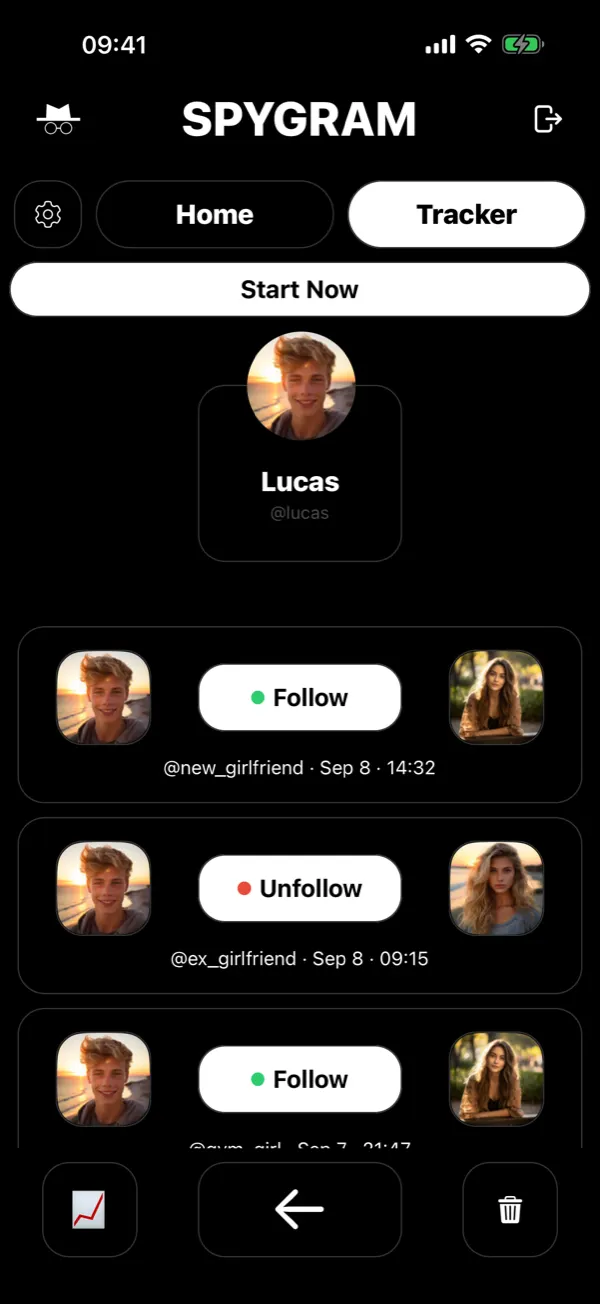
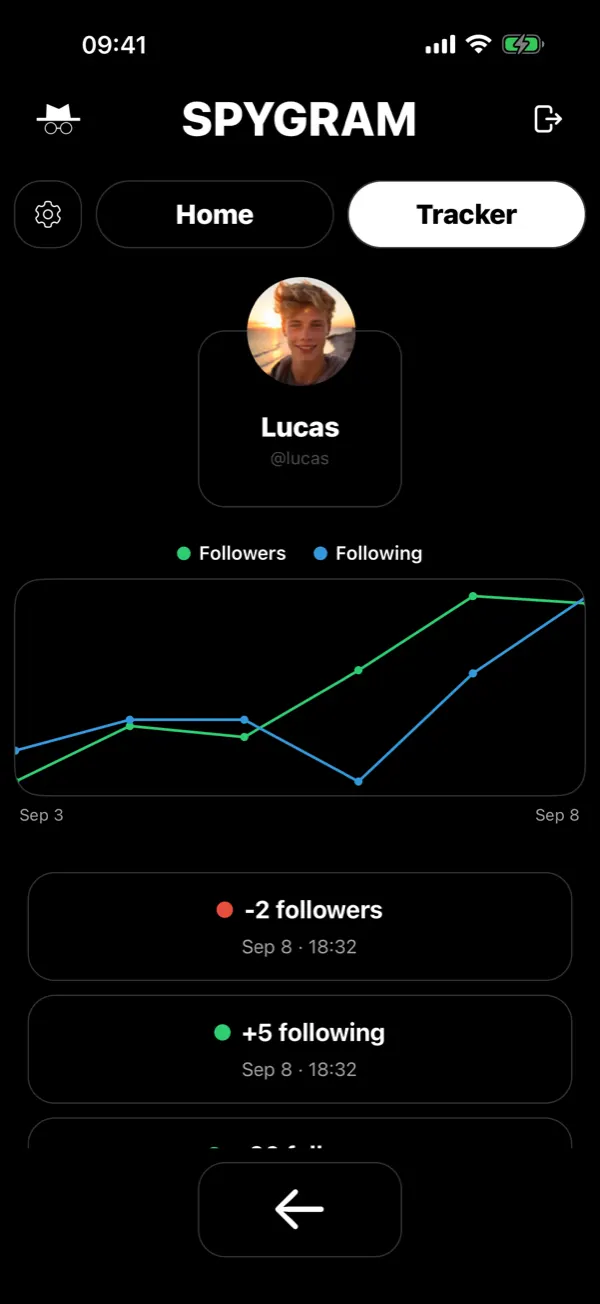
What Spygram does not do, because Instagram does not display it:
- it does not show who visited a profile;
- it does not open private profiles you don't follow;
- it does not access direct messages or passwords;
- it does not show someone's likes;
- it does not follow another account's follower list, which Instagram limits.
The data depends on what each profile makes public and may change. Spygram is independent and not affiliated with Instagram/Meta.
What to do now
Before using any tool, look at your own profile through a stranger's eyes:
- Open your profile from another account, or ask someone to, to see exactly what shows up.
- Decide whether your account should be private. The option is in your account's privacy settings.
- Use Instagram's own controls: hide like counts, a Close Friends list for stories, tag review, restrict or block accounts.
- Only type your Instagram password on Instagram's official login page, never in another site's form. If you already did, change it and turn on two-factor authentication.